
Dish machine
A commercial dishwasher washes racks of dishes and glassware; size goes from undercounter to door-type to rack conveyor.
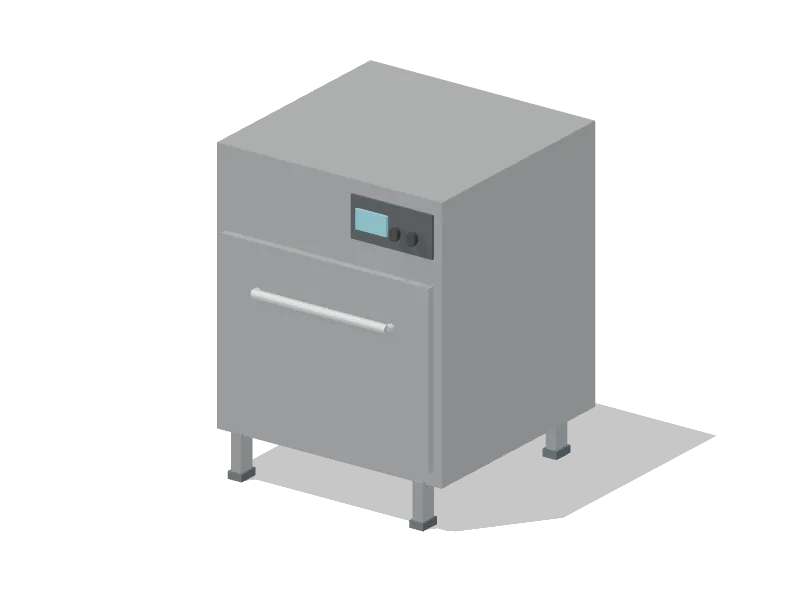
Configurations and nominal sizes
| Configuration | Width × Depth × Height (m) | Mounting |
|---|---|---|
| Undercounter | 0.65 × 0.69 × 0.85 | Floor |
| Door-type | 0.75 × 0.81 × 1.62 | Floor |
| Rack conveyor | 1.68 × 0.86 × 1.68 | Floor |
Nominal sizes describe a class of equipment, including handles and guards. They are planning envelopes, not manufacturer installation dimensions.
Configurations in 3D
- UndercounterPlace in the studio
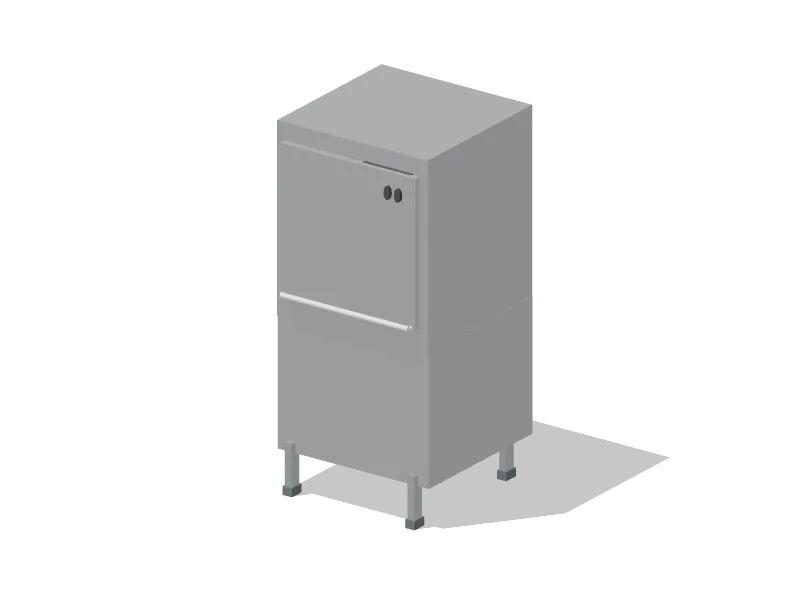 Door-typePlace in the studio
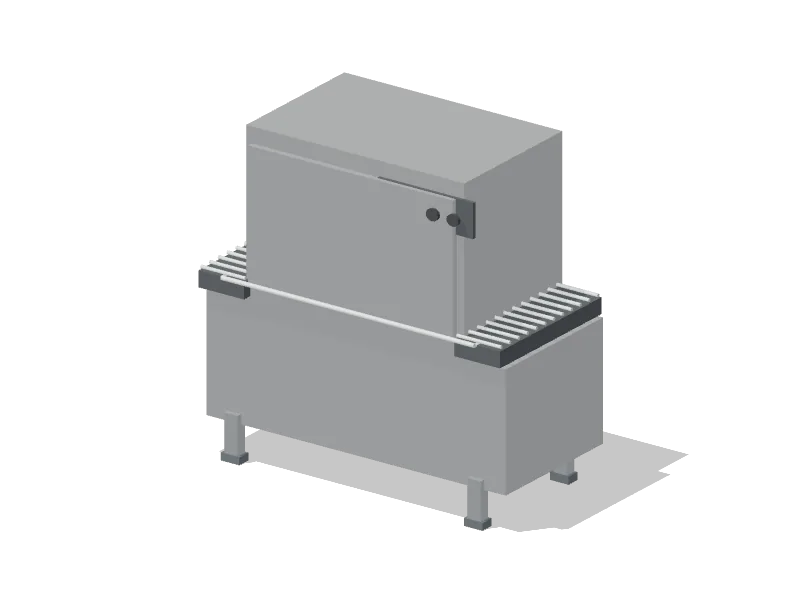 Rack conveyorPlace in the studio
Planning checks
Facing work stations are checked for an aisle of at least 1.05 m between their fronts. This is a Wobistro planning target.
Each work station is checked for a clear walking route of 3 m or less to a handwashing sink. This is a Wobistro planning target.
FDA Food Code, sections 5-204.11 and 5-205.11
The kitchen space programme allows 0.9 m of working space in front of it (planning estimate).
These are planning checks, not approval. Confirm hood, fire, gas and health requirements with the code adopted where the kitchen is.
Connections
Typical connection: electric.
Typical connection: water supply and drain.
Connection types are planning information. Confirm loads, gas ratings and drainage with the selected model and your engineer.
In the operations simulator
When you simulate the layout you drew, this equipment loads the Dish station.
| Configuration | Planning capacity | Basis |
|---|---|---|
| Undercounter | 30 racks/h | Published reference |
| Door-type | 50 racks/h | Published reference |
| Rack conveyor | 202 racks/h | Published reference |
Simulator figures are planning starting points. Time your own menu on your own equipment.
In example venues
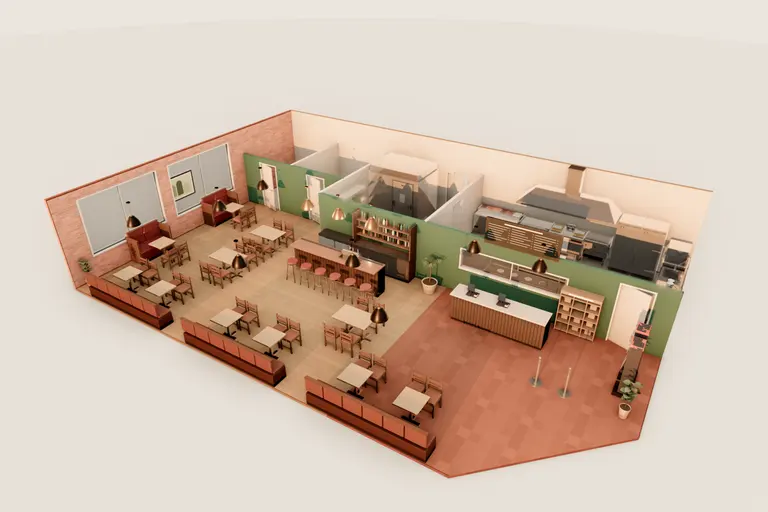
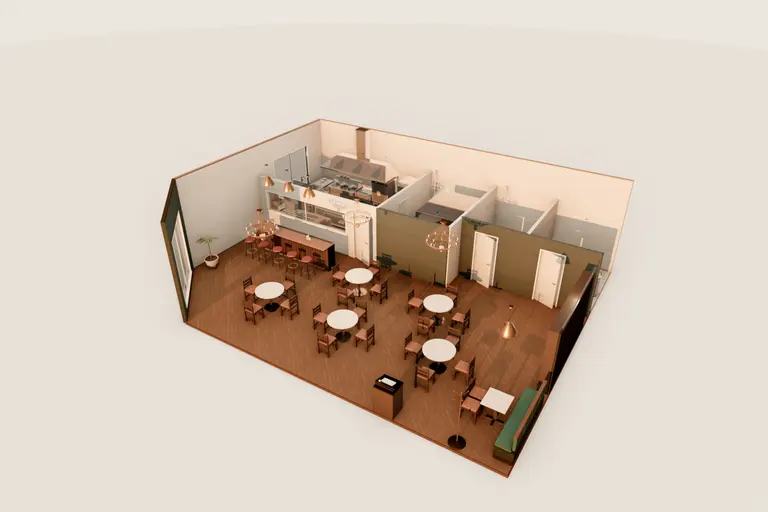
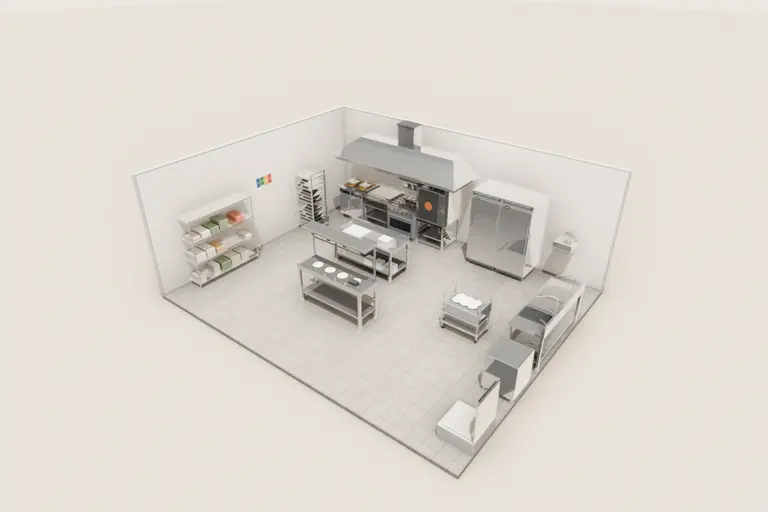
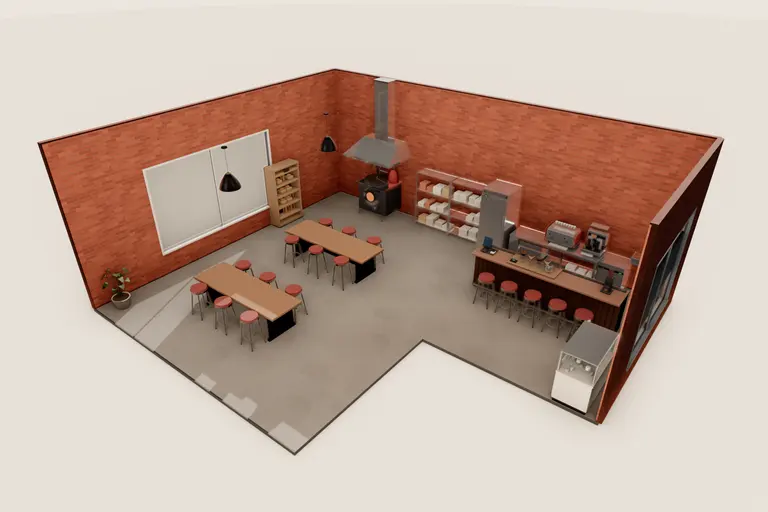
This equipment is placed in these example venues, which you can open in 3D.
Plan it in your kitchen
Opens the studio with this equipment placed and selected in the venue you last worked on, or in a new room if you have none. You can try it without an account.
Place it in the studioOr open “Corner burger restaurant with open kitchen”, an example venue that uses it.