
Tandoor
A tandoor is a clay-lined oven heated from below, used for breads such as naan and for skewered meats.
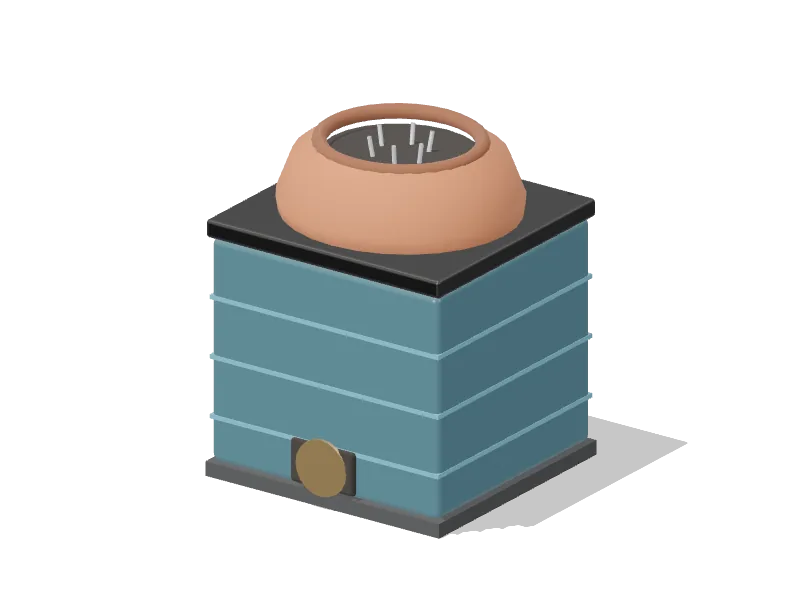
Configurations and nominal sizes
| Configuration | Width × Depth × Height | Mounting |
|---|---|---|
| 24 × 24 in | 24 × 24 × 36 in (0.61 × 0.61 × 0.91 m) | Floor |
| 30 × 28 in | 30 × 28 × 36 in (0.76 × 0.71 × 0.91 m) | Floor |
| 32 × 32 in | 32 × 32 × 36 in (0.81 × 0.81 × 0.91 m) | Floor |
| 34 × 34 in | 34 × 34 × 36 in (0.86 × 0.86 × 0.91 m) | Floor |
Nominal sizes describe a class of equipment, including handles and guards. They are planning envelopes, not manufacturer installation dimensions.
Configurations in 3D
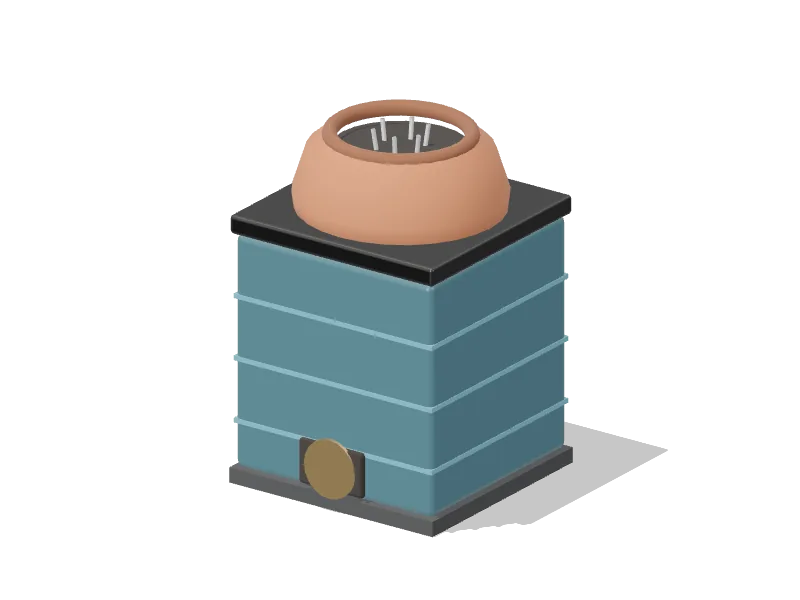 24 × 24 inPlace in the studio
- 30 × 28 inPlace in the studio
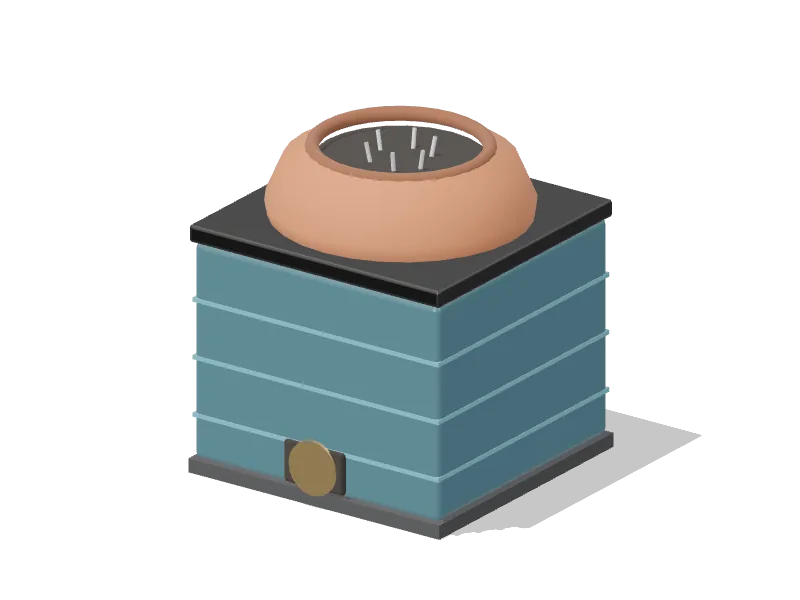 32 × 32 inPlace in the studio
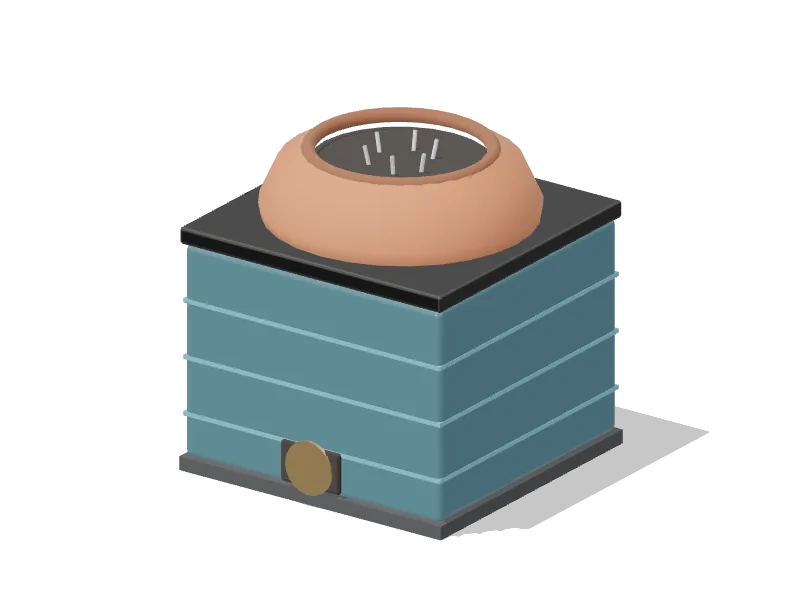 34 × 34 inPlace in the studio
Hood and planning checks
The planner looks for a Type I exhaust canopy over this equipment, overhanging each open side by 6 in (15.2 cm).
ICC International Mechanical Code, sections 507.1 and 507.4.1
Facing work stations are checked for an aisle of at least 3 ft 5 in (1.05 m) between their fronts. This is a Wobistro planning target.
Each work station is checked for a clear walking route of 9 ft 10 in (3 m) or less to a handwashing sink. This is a Wobistro planning target.
FDA Food Code, sections 5-204.11 and 5-205.11
The kitchen space programme allows 3 ft 3 in (1 m) of working space in front of it (planning estimate).
These are planning checks, not approval. Confirm hood, fire, gas and health requirements with the code adopted where the kitchen is.
Connections
Typical connection: gas.
Connection types are planning information. Confirm loads, gas ratings and drainage with the selected model and your engineer.
Published specifications
These configurations use the dimensions in the manufacturer spec sheets below. Wobistro does not sell or endorse these products; confirm the current sheet before you order.
- 24 × 24 in: Omcan CE-IN-24X24 · 14.63 kW connected load, as published
- 30 × 28 in: Omcan CE-IN-2830 · 14.63 kW connected load, as published
- 32 × 32 in: Omcan CE-IN-3232 · 16.59 kW connected load, as published
- 34 × 34 in: Omcan CE-IN-3434 · 20.52 kW connected load, as published
Plan it in your kitchen
Opens the studio with this equipment placed and selected in the venue you last worked on, or in a new room if you have none. You can try it without an account.
Place it in the studio